 Tiny Missions
A quiet morning
Find one soft thing, one cold thing, and one round thing.
3 min · no setup
Less screen time. Less planning.
Tiny Missions gives your family an age-appropriate activity you can begin immediately. No searching, no account, and no screen handed to the child.
Built for ages 1–9. Your family's activity data stays on your phone.
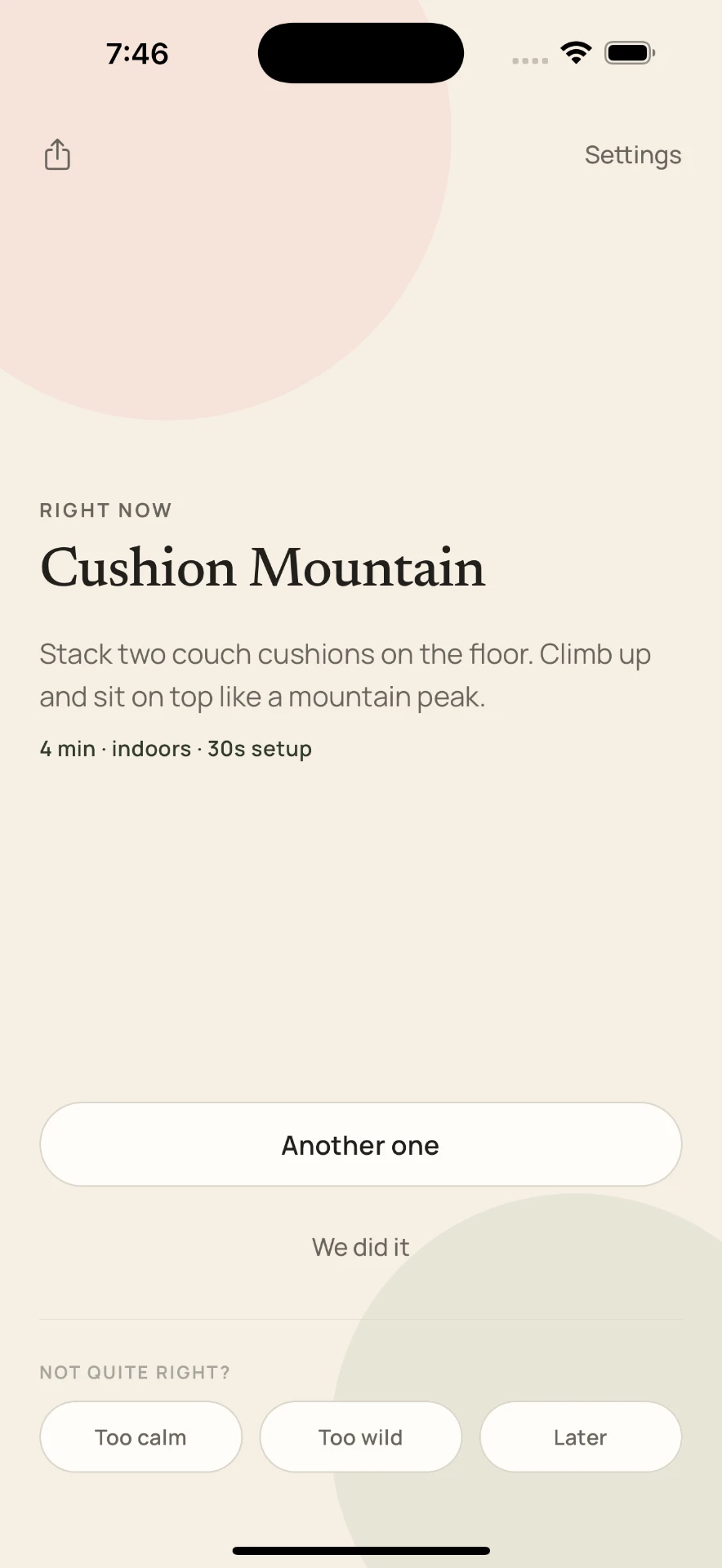
Right now
Sock Delivery
Carry three pairs of socks across the room without dropping them.
4 min
Tiny Missions does not open to a dashboard, search box, or library. It opens directly to one activity selected for the current moment.
Morning
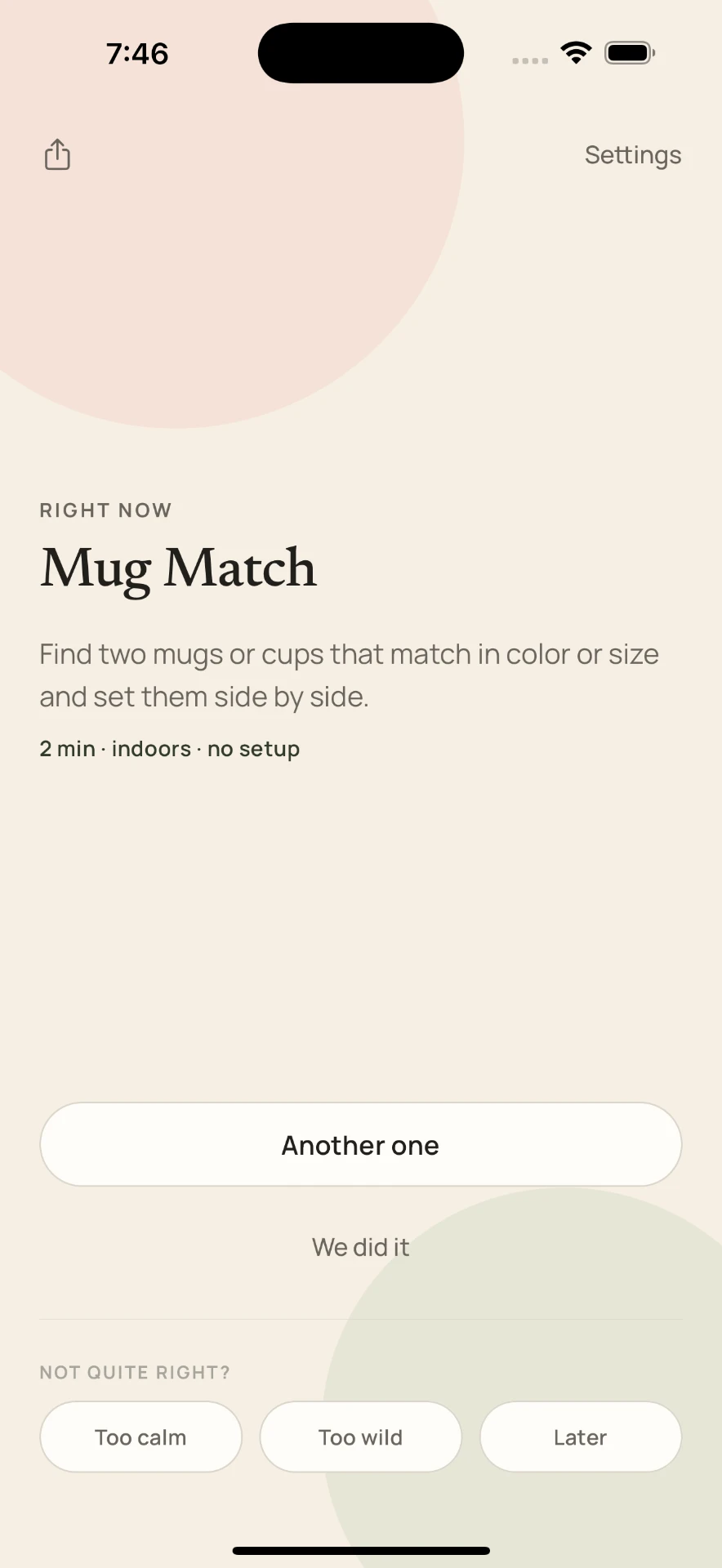
Late afternoon
Evening
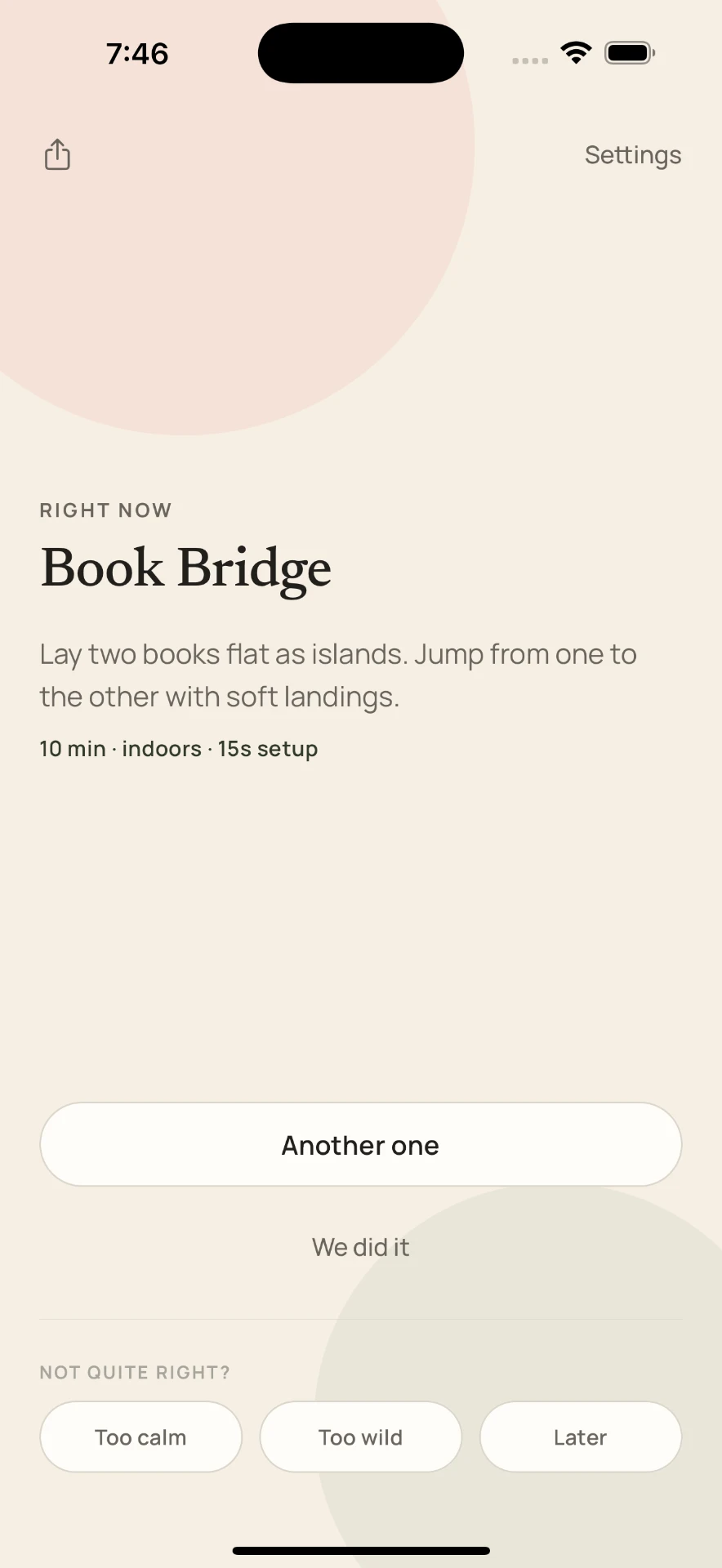
Tell Tiny Missions how many kids you have and roughly how old they are. Everything else adapts from there, and you can change it anytime in Settings.
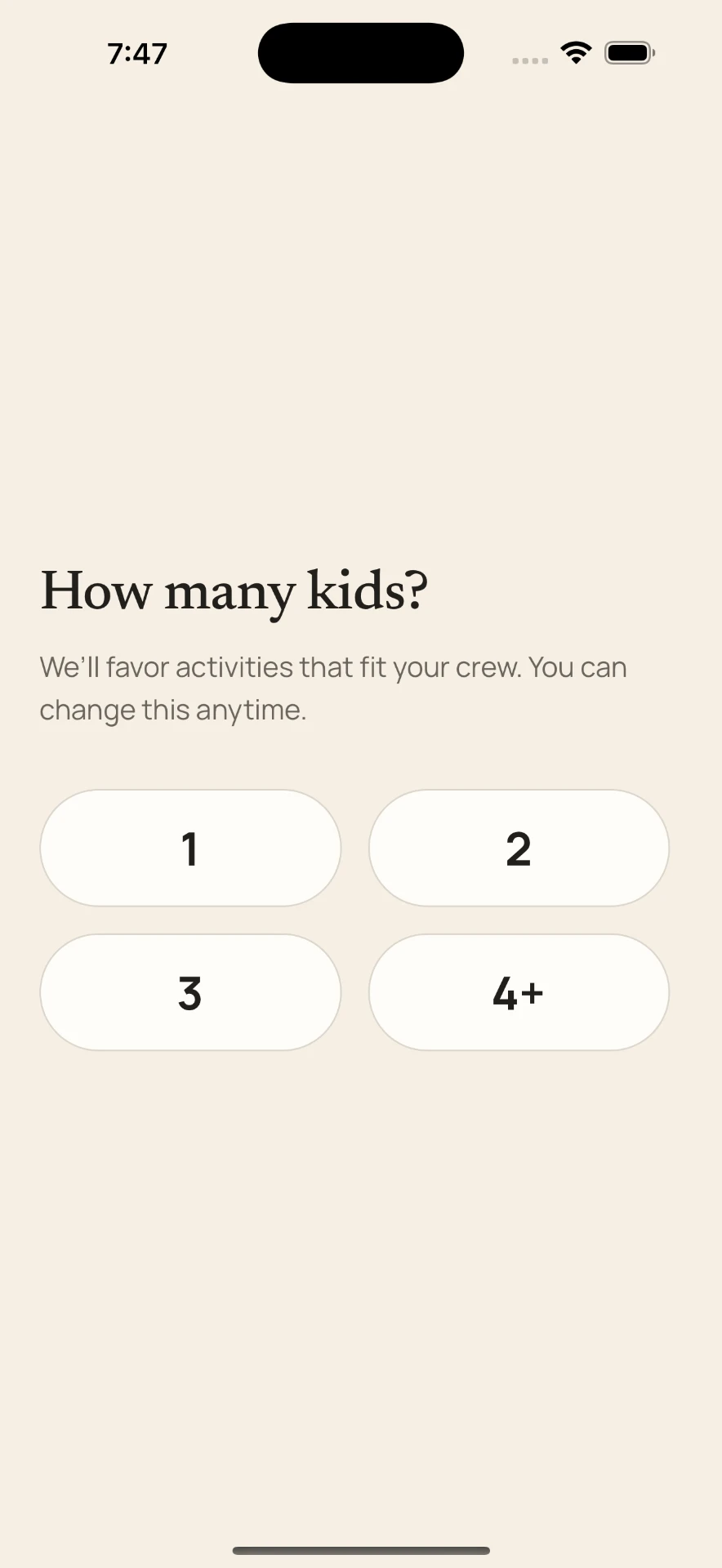
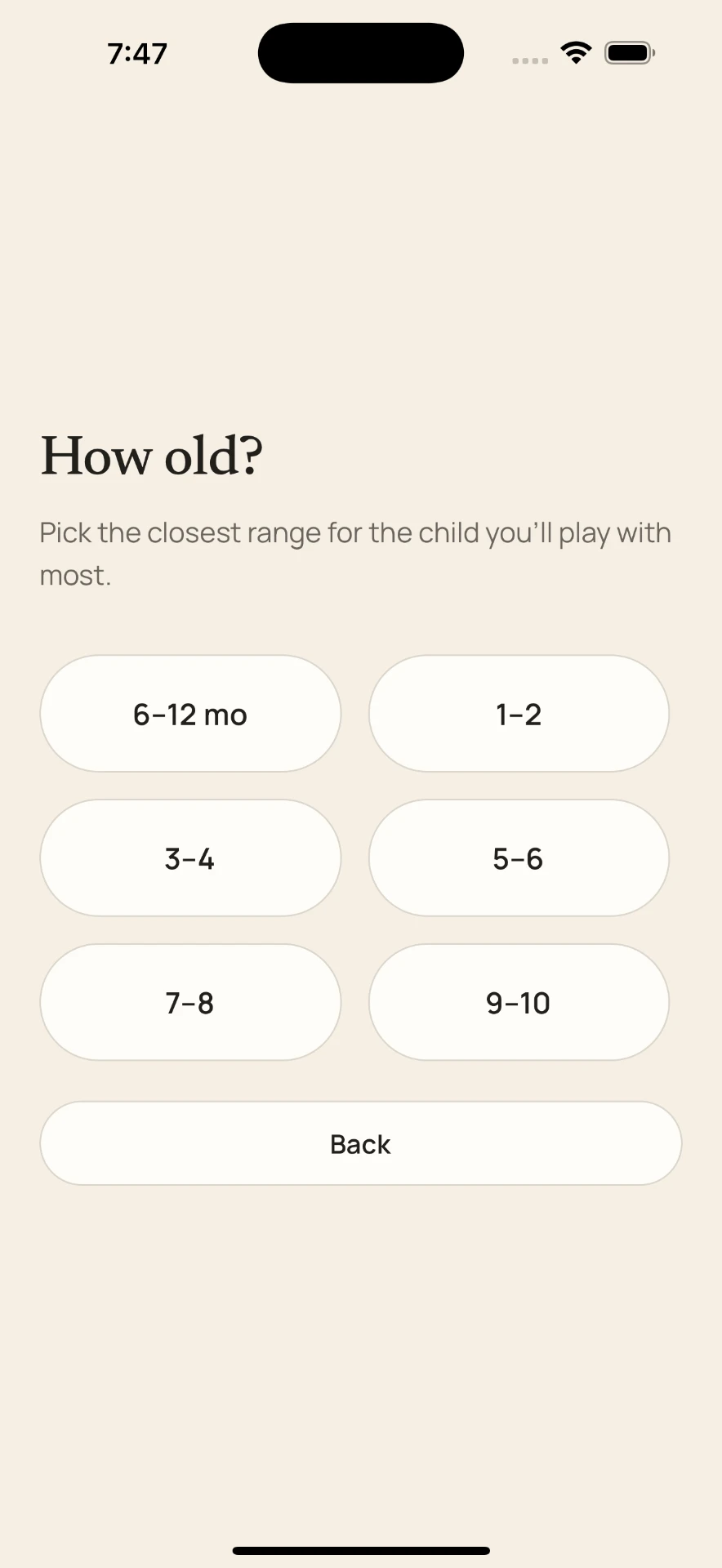
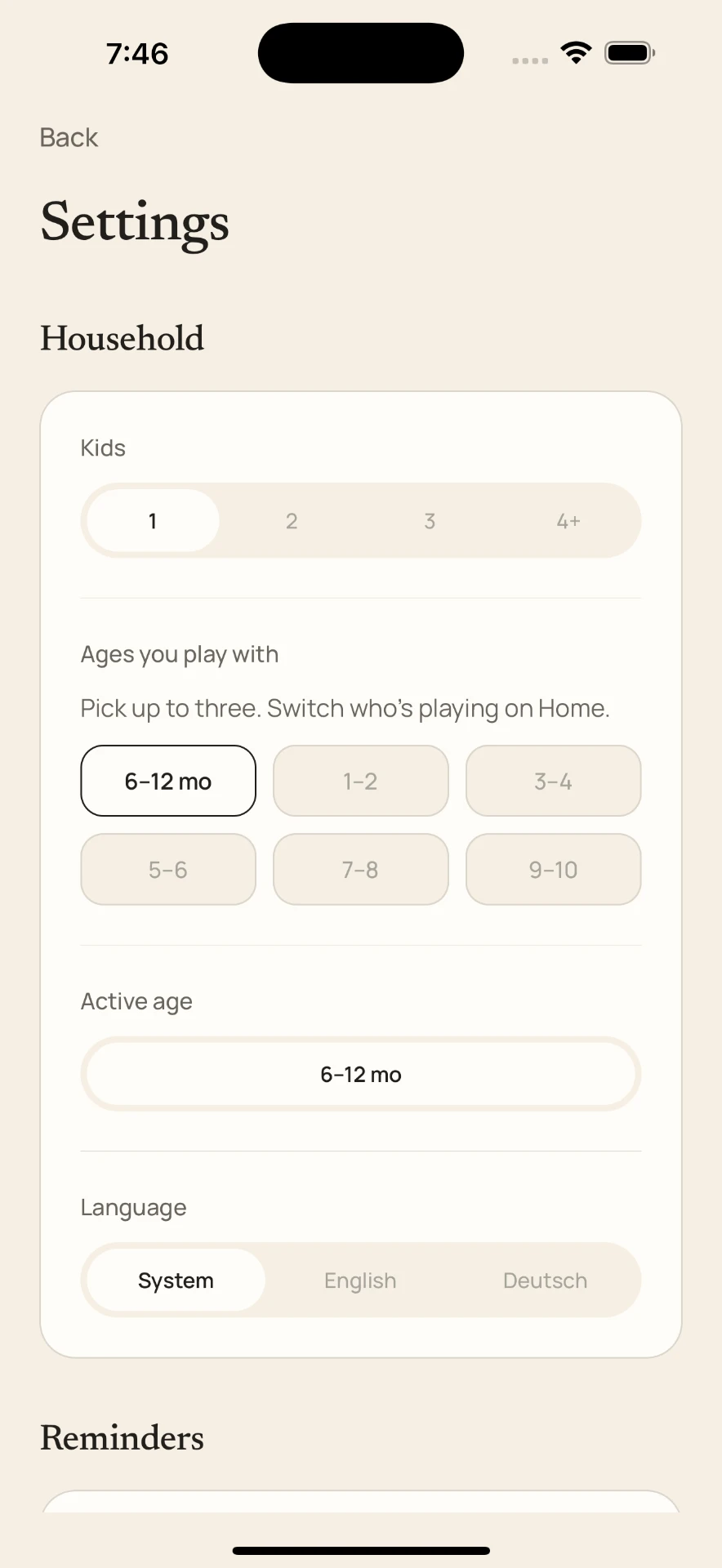
The recommendation changes with the time of day and quietly learns from what your family skips, repeats, and enjoys.
Parents already have access to thousands of activities. The problem is finding the right one in the few seconds before the moment disappears.
Tiny Missions is designed around seconds until play—not time spent in the app.
01
Select the closest age range. No name, birth date, email, or family profile required.
02
Tiny Missions uses the time of day and your private on-device history to select one activity.
03
The instructions are already on screen. Replace the idea with one tap when it does not fit.
A quiet morning
3 min · no setup
Before dinner
4 min · indoors
Afternoon energy
5 min · no setup
Waiting around
3 min · anywhere
Weekend reset
5 min · indoors
Bedtime wind-down
4 min · quiet
Tiny Missions can place the current activity on your Home Screen and suggest a moment at locally scheduled times you choose.
Right now
Color Patrol
Find three things that are yellow.
3 min
Right now
Shadow Animals
Use your hands to make two animals on the wall.
4 min
See the activity without opening the app.
Tiny Missions
Four quiet minutes: make a shadow animal.
Optional reminders are scheduled on your phone. No account, push profile, or family data in the cloud. Useful timing that adapts to when you tend to use Tiny Missions.
Tiny Missions does not need to know who your child is. The selected age range, completed activities, preferences, and reminder schedule stay on the device.
Tiny Missions is built as a local-first utility. The activity catalog ships with the application, recommendations happen on the phone, and the core experience works offline. Your family's activity history and preferences stay on your phone.
Your first 5 distinct activities are included. After that, Tiny Missions Family unlocks unlimited missions, widgets, locally scheduled reminders, and private on-device learning.
One plan. Two billing options.
$24.99/year
About $2.08 per month
$2.99/month
Billed monthly
Final localized pricing will be shown by the App Store or Google Play.
Tiny Missions is designed for families with children aged 1–9. Parents select the closest age range, and the app uses age-appropriate activities from its local catalog.
No. The parent reads the activity, and the experience moves away from the screen.
The core recommendation experience does not require a cloud AI request. Activities and recommendations are designed to work locally and instantly on the phone.
No. The MVP does not require an account, email address, or password.
The selected age range, activity history, feedback, and reminder preferences are stored locally on the device.
Yes. The core experience and activity catalog are designed to work without a network connection.
The first five distinct activities are included. Requesting a sixth activity opens the Tiny Missions Family subscription screen.
The initial version is device-only. Activity history and preferences do not sync between devices.
Yes. App Store and Google Play subscriptions can be restored through the app without creating a Tiny Missions account.
Tiny Missions is currently being built. The download buttons on this page will be updated when the iPhone and Android versions are available.
Tiny Missions removes the search, setup, and decision-making so your family can begin.
No account. No feed. No child screen time.
Right now
Pillow Path
Put three pillows in a row. Cross without touching the floor.
5 min